



-

Low Starting Quantity
-

Digital Proof Included
-

Design Support Available
-
In-House Production
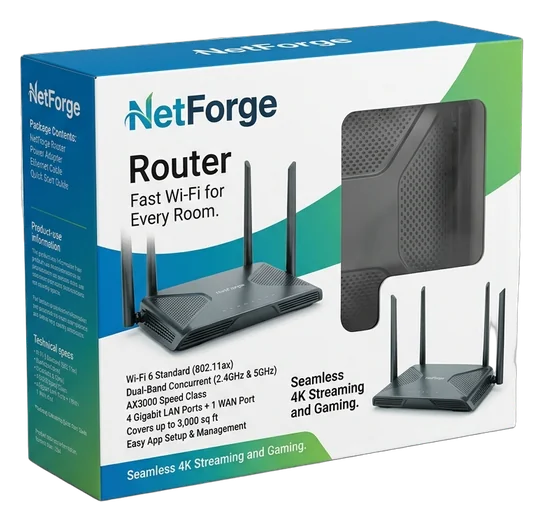
Custom router boxes give networking products a clear, technically confident identity while keeping the device, power components and setup materials organized from first view to first connection. Routers often compete through similar forms, technical claims and feature lists, so customers may decide what feels dependable in only a few moments. Custom sizing, structured panels, controlled color and purposeful inside printing turn a generic carton into a clear product introduction. The box can identify the model, frame the device, separate key accessories and carry the same brand language across retail, product photography, delivery and first setup. Our packaging team helps translate your router, accessory layout and sales channel into a complete box that looks considered and opens logically. The goal is a format that communicates technical confidence, supports model recognition and gives customers a more orderly path from receipt to installation. That result is supported through fit planning, paperboard, kraft, corrugated or rigid construction, exterior and interior printing, selective finishes, and custom foam or board inserts where needed. We can assist with dielines, artwork checks, bleed and safe zones, file resizing and digital proofing before production. Low starting quantities remain compatible with meaningful customization, subject to the approved structure and production specification.

Get Custom Quote
ROUTER BOX FORMATS
Choose a Structure Around the Device and Setup
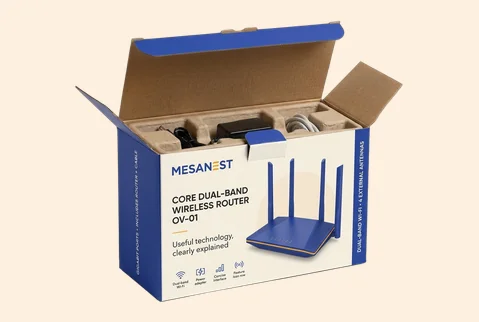
A router sold on a retail shelf needs fast model recognition, while a device shipped directly may need a more controlled arrival and accessory arrangement. A launch kit may call for a slower, more deliberate reveal. The right structure depends on the router’s dimensions, antenna configuration, power components, manuals, inserts and sales channel. We help compare folding cartons, tray formats, corrugated mailers and rigid setups around the complete pack—not the device alone—so the outside communicates clearly and the inside supports a logical first setup.
➜
Printed Folding Carton
A folding carton gives compact router products a clean retail face with room for model names, feature hierarchy, compatibility details and consistent brand graphics across every visible panel.
- Single router or compact kit
- Custom fit with board insert
- Full-panel model and brand graphics
- Retail, photography or handoff
A practical route when clear identification and efficient packed form matter together.
Customize Now
➜
Sleeve-and-Tray Router Box
A printed sleeve creates the first brand view while the inner tray introduces the device in a more controlled sequence. Dividers or inserts can separate the router from selected setup components.
- Router with grouped accessories
- Sliding tray and fitted insert
- Outside-to-inside visual continuity
- Guided lift-out and discovery
Ideal for products that need a more considered reveal without moving to a full rigid setup.
Customize Now
➜
Corrugated Mailer Kit
A corrugated mailer can combine delivery structure with branded product presentation for direct orders, replacement programs, managed installations or networking kits assembled around several useful components.
- Device, cables and documents
- Mailer walls with custom insert
- Exterior and interior printing
- Delivery arrival or installer kit
This route keeps the shipped pack connected to the product and brand story.
Customize Now
➜
Rigid Router Presentation Box
A rigid setup box gives high-value routers, mesh systems, launch samples or partner kits greater physical presence. Magnetic, two-piece or drawer-style formats can organize the device and supporting items.
- Single device or system set
- Rigid shell with foam insert
- Wrap, foil and inside graphics
- Launch, PR or executive handoff
Choose rigid construction when the opening moment should signal a deliberately higher product tier.
Customize NowMATERIALS THAT SIGNAL CONTROL
Match the Box Feel to the Router’s Market Position
Material sets the physical tone before a customer studies the specifications. A smooth paperboard carton can make diagrams, model names and controlled brand colors feel precise. Kraft can support a more restrained, utility-led identity. Corrugated board can give a direct-shipped router kit a sturdier, more purposeful presence, while rigid greyboard can make a launch set or high-value networking system feel deliberately substantial. We help select the board around the product weight, accessory arrangement, channel and intended quality signal, rather than treating thickness as the only decision.
SBS Paperboard for Clear Technical Graphics

Smooth paperboard gives detailed diagrams, model names, compatibility information and controlled color systems a clean printing surface. It works well when the box must communicate several technical points without making the graphics feel rough or visually uncertain.Paperboard can support compact retail cartons, sleeve formats, trays and other product-box structures. The board specification should be selected after considering the router’s weight, packed accessories, opening style and required panel performance.

Kraft for a Restrained, Utility-Led Identity

Kraft can give a networking product a more natural, practical or engineering-led character when that appearance fits the brand. White ink, dark graphics or selective full-color printing can create strong contrast without hiding the material’s visible texture.Kraft should be chosen because its character supports the product identity—not as the basis for an unsupported environmental claim. Interior and exterior treatment can be coordinated according to the selected structure.
Corrugated Board for Branded Delivery Kits

Corrugated material can support router mailers, installer kits, replacement-device programs and direct-order packages where the box must travel while still presenting the product as part of a considered brand experience.E-flute, B-flute, F-flute and micro-flute options can be evaluated according to the product, arrangement and approved box format. The focus remains on branded product, presentation or kit packaging rather than large commodity shipping cartons.
Rigid Greyboard for High-Value Systems

Rigid greyboard gives mesh systems, launch packages, PR kits and selected high-value router products greater weight and physical presence. A wrapped rigid shell can support magnetic, drawer, two-piece and other setup-style structures.Foam or board inserts can give devices and accessories defined positions inside. The material is most useful when the product tier and opening experience genuinely justify a more substantial format.
MODEL & BRAND IN ONE VIEW
Make Every Router Variant Easy to Recognize
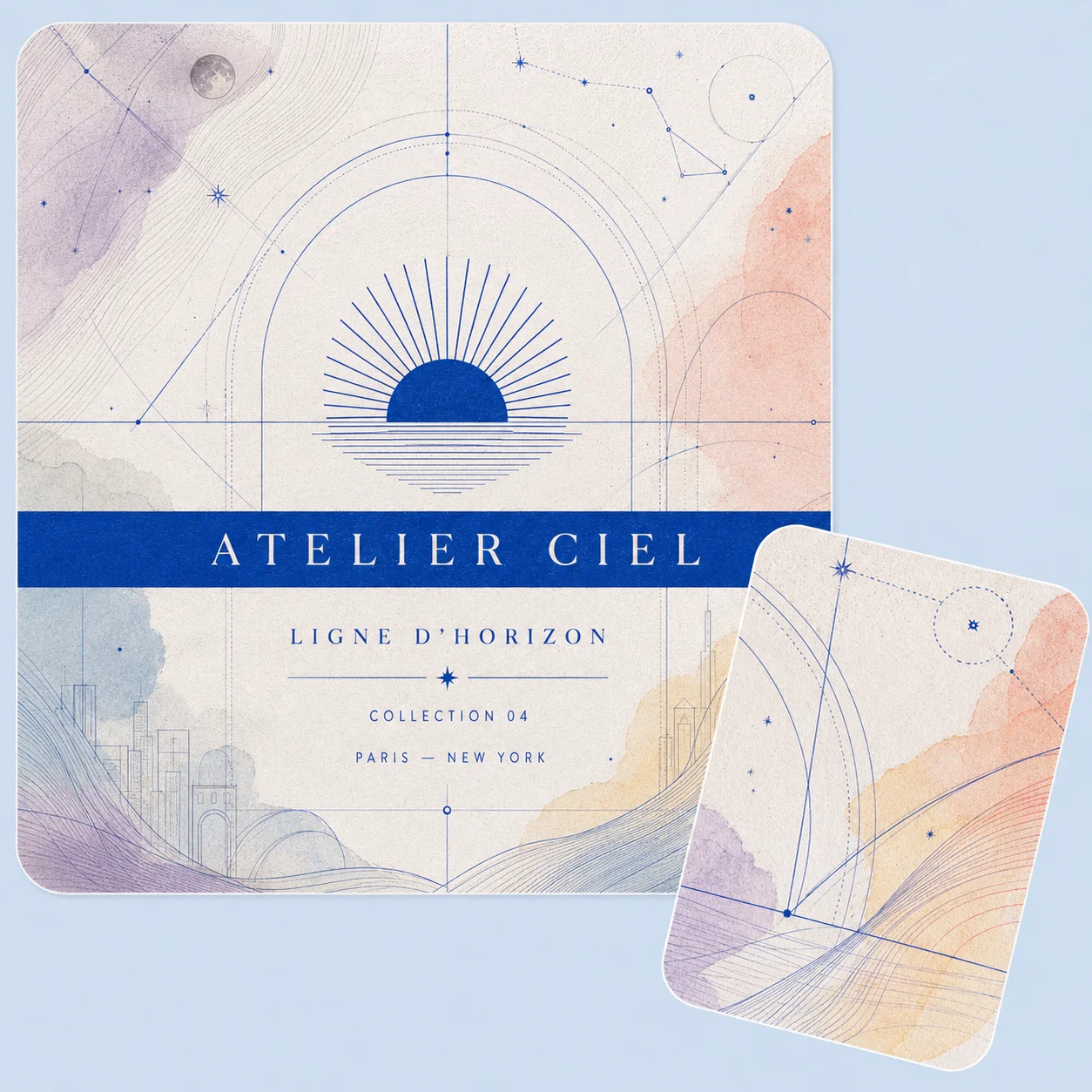
Router packaging has to explain a technical product quickly without looking crowded or interchangeable. Custom printing can give the model name a clear place, separate speed tiers or system sizes, organize compatibility information and keep the parent brand visible across every variant. Use front, side, back, top or inside panels to build a readable information path rather than forcing every message onto the front. CMYK, PMS colors, digital or offset printing, metallic ink and white ink on kraft provide the production range; the customer outcome is a box that feels easier to identify, compare and trust across retail, online imagery, delivery and setup.
- Lead with the model name
- Separate product tiers through color
- Keep parent-brand cues consistent
- Move specifications to secondary panels
- Continue setup guidance inside
- Stay recognizable across chosen channels
MODEL & BRAND IN ONE VIEW
Make Every Router Variant Easy to Recognize
Router packaging has to explain a technical product quickly without looking crowded or interchangeable. Custom printing can give the model name a clear place, separate speed tiers or system sizes, organize compatibility information and keep the parent brand visible across every variant. Use front, side, back, top or inside panels to build a readable information path rather than forcing every message onto the front. CMYK, PMS colors, digital or offset printing, metallic ink and white ink on kraft provide the production range; the customer outcome is a box that feels easier to identify, compare and trust across retail, online imagery, delivery and setup.
- Lead with the model name
- Separate product tiers through color
- Keep parent-brand cues consistent
- Move specifications to secondary panels
- Continue setup guidance inside
- Stay recognizable across chosen channels
SURFACES WITH TECH PURPOSE
Direct Attention to the Features That Matter
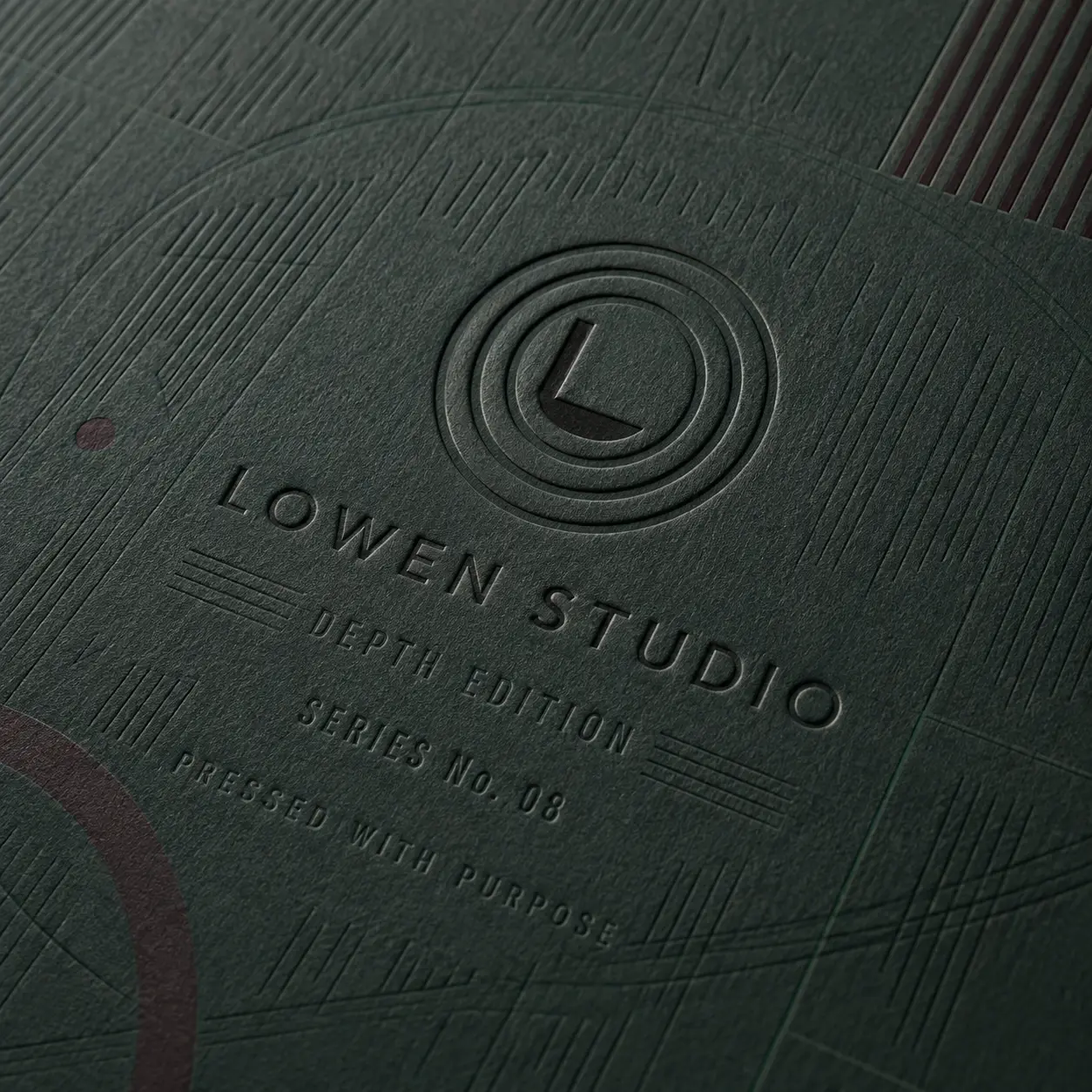
A finish should help customers understand the product’s character before it becomes decoration. A calm matte surface can make precise typography and darker gaming graphics feel controlled. Gloss or spot UV can bring selected airflow graphics, lighting cues, or product imagery forward. Foil, embossing, debossing, and raised effects can give the logo or model name greater weight when that emphasis fits the brand. We help choose finishes by what should be noticed first, how the box should feel in the hand, and whether the edition belongs to the core range or a special release.
-
 Set a Clean Technical Mood
Matte or soft-touch lamination can give the carton a controlled, engineered feel and reduce visual noise around specifications. Gloss can support brighter graphics and sharper surface contrast when the product identity is more energetic. The useful choice is the one that reinforces the device’s intended character.
-
Make the Brand and Model Read First
Spot UV, foil, embossing, debossing, or raised effects can separate the logo, model name, or key visual cue from surrounding information. Used selectively, these details guide the eye and add tactile emphasis without making the pack look overloaded.
-
Mark Gaming and Limited Editions
Gaming-led, creator, launch, and limited-edition variants can use selective color or surface contrast to feel distinct from the main range. The finish system should still preserve the same logo placement, typography, and structural rhythm so the edition remains clearly part of the parent brand.


PLAN THE FIRST SETUP
Make Opening Feel Like Part of the Product Design
The customer has already formed an expectation from the outside. The inside should confirm it with a clear view of the fan, an orderly place for included parts, and an obvious path toward setup. A loose device, hidden cable, or crowded insert can make the first interaction feel less considered even when the product itself is well designed.We help plan the interior around what is actually included, using printed surfaces and fitted paperboard, corrugated, or foam components where useful. The result is a reveal that feels organized, branded, and easy to understand from lid opening to product lift-out.
-
Let the Cooling Fan Lead
Place the main device where it becomes the first clear visual focus rather than allowing small accessories or paperwork to compete with it. A fitted tray or insert can frame the fan and create a cleaner first view without adding unnecessary complexity.
-
Give Included Parts a Purposeful Place
Where a cable, clip, mount, adapter, guide, or other component is included, plan a separate position that keeps the set readable. Clear spacing helps customers understand what belongs in the pack and reduces the chance of an important part being overlooked during the first opening.
-
Carry the Brand Into Setup
Inside printing can continue the exterior color system, identify components, or add short setup cues and buyer-supplied QR content. This turns the interior into a useful bridge between product discovery and first use while keeping the brand present after the outer panels are no longer in view.


EXPERT-GUIDED NETWORK ROUTER PACKAGING
Router Packaging Customization Made Easy & Fast — Built to Fit, Secure & Connect
Our router packaging experts, structural designers, print specialists, consultants, and project managers make custom ordering easy and fast by bringing your router dimensions, antenna configuration, product weight, connectivity type, accessory set, selected box style, artwork, and brand direction into one production-ready structure. We guide antenna, port, reset-button, indicator, ventilation, and stand clearance; power-adapter, Ethernet-cable, mount, node, SIM-tool, setup-card, and manual compartments; insert cavity tolerance; corrugated strength; closure behavior; coating and finish compatibility; model, MAC, serial, barcode, QR, specification, setup, and warning-panel spacing where required; dieline alignment; bleed and safe-zone setup; cost calculation; timeline planning; prepress preparation; and 3D proof review. The result is router packaging that organizes the device and accessories, supports retail or ecommerce handling, carries technical artwork cleanly, and moves to production with fewer sizing, print, structure, or approval risks.

-
Fast
Specs-to-Quote Alignment
Experts align router dimensions, antenna layout, packed weight, accessories, selected structure, insert requirements, artwork, cost, timeline, prepress setup, and 3D proof early—helping reduce quote delays and repeated approval corrections.
-
Exact
Router-Fit & Accessory Layout Review
We check housing length, width, height, antenna position, ports, buttons, vents, adapter, Ethernet cables, stands, wall mounts, mesh nodes, setup materials, and insert tolerances so every component has a practical position.
-
Secure
Antennas, Ports & Handling Check
Packaging specialists review antenna clearance, port spacing, button protection, ventilation-area support, accessory separation, corner blocks, board strength, closure behavior, and movement control for better retail, warehouse, and ecommerce handling.
Plan the Box Around the Product, Channel and Order
A router box performs best when the structure, graphics and production plan are developed around the complete packed set. The following decisions help prevent loose accessories, crowded information panels, artwork delays and a format that suits one channel but not another. Our team can guide the process from measurements and dielines through proof approval and production planning.
-
Plan Around the Complete Router Set
Start with the router’s exact length, width and height, then account for every item that will ship with it. That may include a power adapter, Ethernet cable, detachable antennas, mounting parts, a quick-start guide or warranty material. Fixed antennas, unusual contours and exposed ports can change how the product should sit, so share product samples, drawings or accurate measurements rather than relying on a general model category.We then plan the internal arrangement around movement control, useful separation and comfortable removal. A foam, paperboard, kraft, corrugated or cardboard insert can be shaped around the approved product and component layout. No dimensions or clearances should be guessed; they are confirmed against the actual pack configuration before the structure is approved.
-
Match the Format to the Selling Channel
Choose the box by where the router will be seen, received and opened. A printed folding carton may suit retail display or compact handoff. A sleeve-and-tray format can give a more guided reveal. A corrugated mailer may combine direct delivery with an organized kit, while a rigid setup can support a launch, partner presentation or higher-value system.One product may also need different routes: a retail carton for stores, OR a branded mailer for direct orders, OR a presentation kit for reviewers and channel partners. Keeping the same core colors, typography and model logic across those formats helps the product remain recognizable without forcing every channel into one structure.
-
Build an Information Path, Not a Crowded Panel
Decide what the customer needs at each stage. The front may identify the model and product family. Side or back panels can hold buyer-supplied specifications, compatibility details, ports, included components, barcodes and required information. Inside printing can carry setup steps, support directions or a QR code supplied by the brand.Our team can help organize the available panel space, but the buyer remains responsible for the accuracy of technical, legal, warranty and regulated information. Final copy should be approved before printing. This keeps the box useful and readable while protecting the distinction between packaging support and product claims.
-
Prepare Artwork and Approve the Dieline
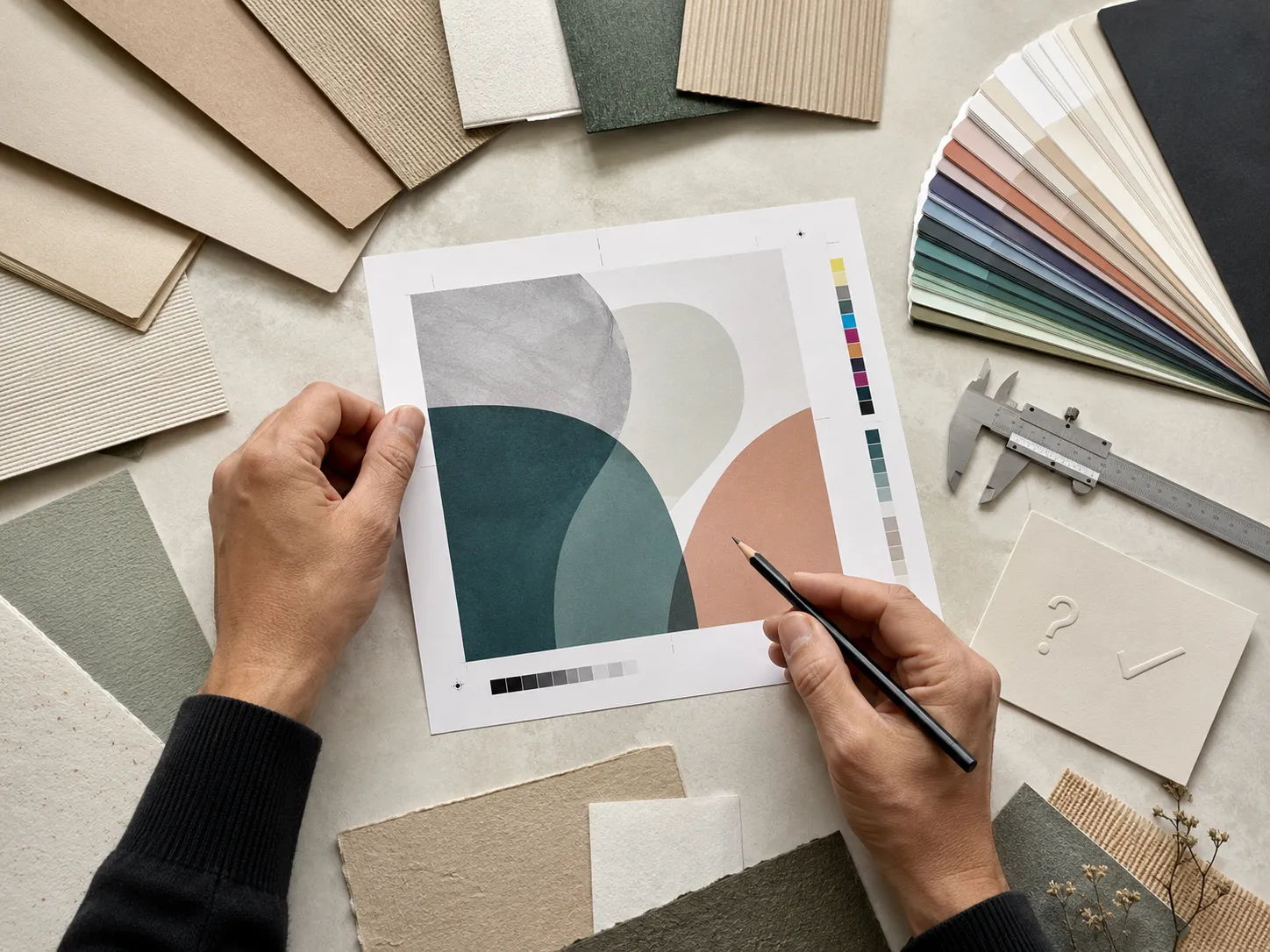
Artwork can be supplied in AI, PDF, PSD or EPS format. Dieline and template support, artwork checking, resizing, bleed and safe-zone assistance are available, along with design support when files need production preparation. Where supported, there is no die or plate fee.Every approved order receives a digital proof before production. Use that proof to check panel orientation, model names, colors, barcodes, inside printing and the relationship between artwork and folds.A digital proof is not a physical prototype. A physical prototype may be available for a qualifying bulk or wholesale project, and its cost may be adjusted into the resulting order where approved.
-
Plan Quantity, Production and Rollout
Paperboard, cardstock, kraft and supported corrugated router boxes may start from 50 units. Supported rigid router boxes may start from 25. Those starting quantities can still include relevant sizing, printing, finishes and inserts when they suit the selected structure and production specification.Per-unit pricing generally improves as quantity rises, with more visible differences often appearing around 500 units. The exact quote depends on the approved dimensions, material, structure, artwork versions, printing, finishes, inserts and total quantity.Production normally takes 4–6 business days after payment, final artwork approval and structure confirmation. Production-ready jobs are generally planned to print and ship within 7 business days. Shipping transit time is separate, while complex multi-design orders may require a separately confirmed schedule.Multi-address shipping can be planned for distributor, installer, agency or rollout programs when the address list and quantities are confirmed in advance. Design firms and white-label partners can also coordinate artwork versions and shipment requirements through the same planning process.Bring the router, accessory list, target quantity, required delivery points and current artwork to the quote stage. That information lets the packaging team recommend a structure, prepare the dieline and build a production plan around the real rollout rather than a generic box assumption.

ROUTER BOX BUYER QUESTIONS
Answers Before You Size, Print and Order
Yes. The box can be developed around the complete packed set rather than a generic router shape. Share the router’s exact dimensions plus the power adapter, cables, detachable antennas, mounting parts and printed guides that will be included. Our team can then plan the structure, insert and removal space around the approved arrangement. Fixed antennas or unusual contours should be measured carefully, because the final fit is confirmed from real product information rather than assumed size ranges.
Yes. Custom foam, paperboard, kraft, corrugated or cardboard inserts can give the router and selected accessories defined positions inside the box. The layout can separate the device from its adapter, cables, guides or mounting parts while supporting a cleaner first view. The right insert depends on the product weight, component shapes, channel and desired lift-out sequence, so the arrangement is planned as part of the structure rather than added after the box is sized.
Yes. Each model can use its own color cue, name, feature hierarchy or system-size identifier while retaining the same parent-brand typography, panel structure and recurring graphic elements. Exterior and interior printing can be coordinated across the range. This helps customers compare variants without making every box look unrelated. Provide the final model matrix and approved technical copy early so the artwork system can be checked across all versions before production.
Yes. Inside panels can carry buyer-supplied setup steps, support directions, short onboarding messages or QR codes where the structure provides suitable space. The content should be concise, readable and approved before printing. Our artwork team can help position it on the dieline and check bleed, safe zones and panel orientation, but the buyer remains responsible for the accuracy and destination of technical, legal and warranty information.
The best style depends on the channel and the complete pack. A folding carton can support compact retail presentation; a sleeve-and-tray box can create a guided product reveal; a corrugated mailer can combine delivery with accessory organization; and a rigid setup can suit launch, PR or partner kits. Our team can compare the options against product weight, insert needs, panel space, target quantity and the way customers will first receive and open the router.
Yes. A smaller networking brand can begin with packaging built around its own product and visual identity without committing to a very large first run. Paperboard, cardstock, kraft and supported corrugated formats may start from 50 boxes, while supported rigid formats may start from 25. Relevant custom sizing, exterior or interior printing, finishes and inserts remain available at these starting quantities when they suit the approved structure and production specification.
Yes. Dieline or template support, artwork checking, resizing, bleed and safe-zone assistance are available, and AI, PDF, PSD and EPS files can be prepared for review. Every approved order receives a digital proof before production begins. Check model names, panel order, barcodes, colors, folds and inside printing on that proof. A physical prototype is different and may be available for a qualifying bulk or wholesale project under the approved project terms.
Production normally takes 4–6 business days after payment, final artwork approval and structure confirmation. Production-ready jobs are generally planned to print and ship within 7 business days. Shipping transit time is separate. Orders with many short-run designs, complex inserts or multiple configurations may need a separately confirmed schedule. The team should identify that timing before the job moves forward so the agreed production plan matches the real artwork and setup requirements.
CUSTOMER SUCCESS STORIES
Hear What Our Customers Say

As a small business, finding premium finishes in lower quantities was always difficult. Global Custom Packaging gave us the freedom to customize our boxes and create the distinctive, polished look we wanted without committing to a large order. We still work with them today and have expanded into multiple product variants, each with the same impressive presentation.
Jordan Blake
We sell online and in stores while regularly promoting at major events, running influencer campaigns, and launching seasonal collections. Thunder Packaging has become our dependable source for everything—from premium mailer and product boxes to sturdy influencer kits, rigid packaging, kraft boxes, and limited-edition Christmas designs. Whatever structure, material, or branded look we need, we no longer have to go anywhere else.
Avery Quinn

I never worry about how my packaging will look or whether my artwork contains typos, incorrect bleed areas, or other design errors. Their 3D previews and helpful design support give me confidence before printing. If the team notices a problem, they contact me, correct it quickly, and never charge extra for the assistance.
Cameron Reese
I’m really impressed with Global Custom Packaging’s precise, richly saturated printing and the accuracy of their die-cutting. The boxes were produced in exactly the right size, with a clean, well-formed structure and no fitting or construction issues. The finished packaging looked polished, consistent, and ready to represent our products professionally.
Morgan Taylor
I received my quote within a few hours, and once we agreed on the price, the designer responded quickly, completed the required changes, and prepared my artwork for printing. The 3D proof arrived promptly, allowing me to review everything and place my order that same day. My packaging was delivered on time, exactly as Global Custom Packaging had committed.
Harper Lane